4.4 rating on Trustpilot
How Florence fills shifts
Here’s exactly how to fill shifts with your choice of staff, instantly and easily, using Florence.








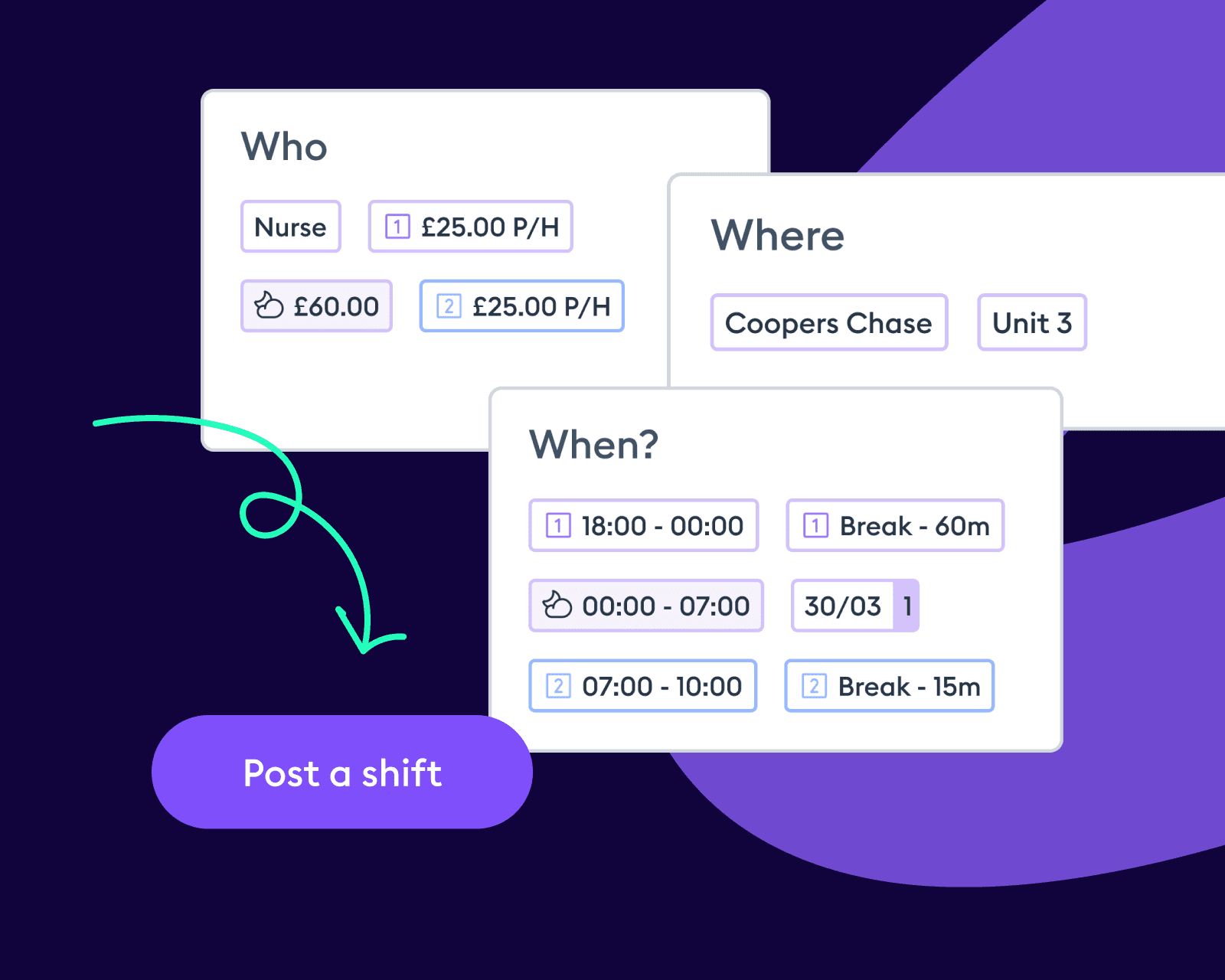
1. Post a shift
Set the shift date, role, time and location (plus any specialist skills you need) to find the right staff for you.
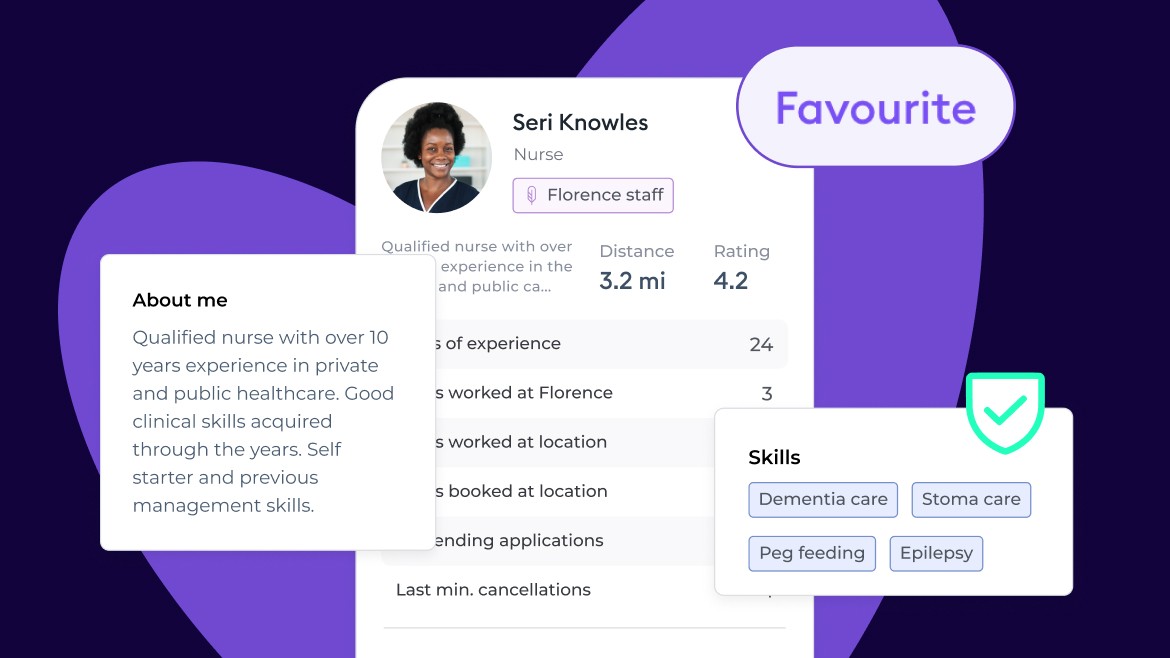
2. Review applicants
Review profiles who apply—including verified skills, years of experience, and rating.
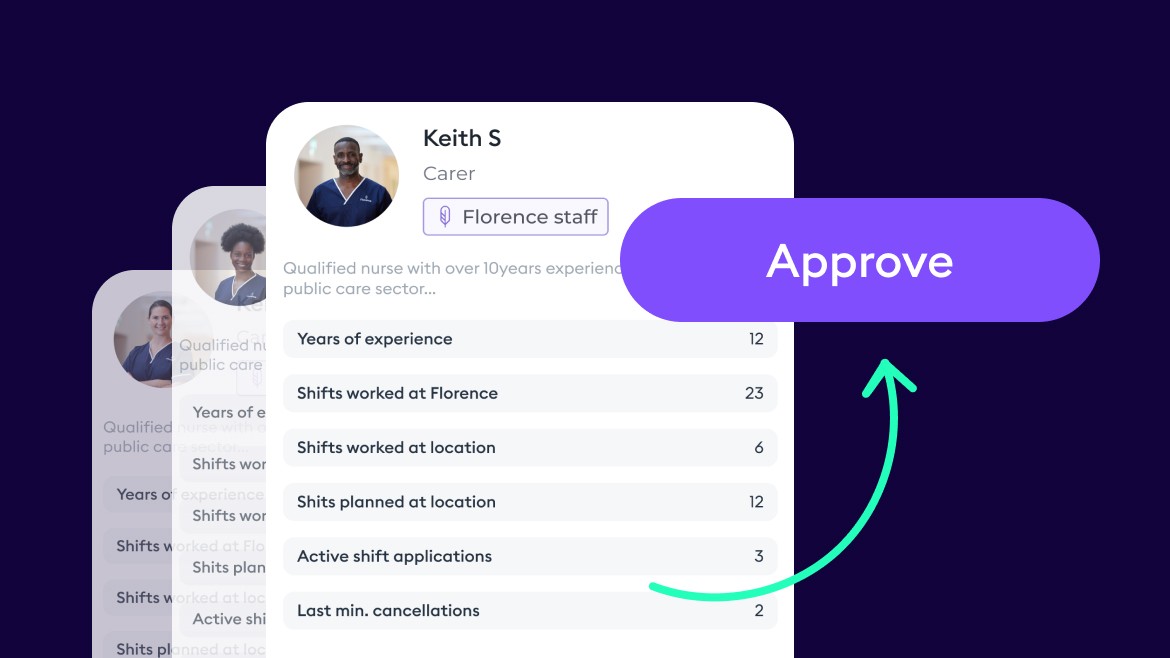
3. Approve staff
Approve the staff member of your choice for the shift in a single click.
Choose which staff to invite

Your own staff
Add your permanent and bank team to Florence to invite them to fill shifts first. Reduce agency spend, boost continuity of care, and provide flexibility by helping your workforce pick up the shifts they prefer.
100k Florence temps
If your own staff can’t fill the shift, our compliant and skills-verified workforce of 100k Florence nurses, care assistants, and support workers can apply to work the shift instead.
300+ agencies
Add your preferred agencies to Florence and invite their staff to fill your shifts too. Maximise your chances of filling the shift and consolidate payments to one simple invoice.
Transparent at every step
Extra benefits to using Florence
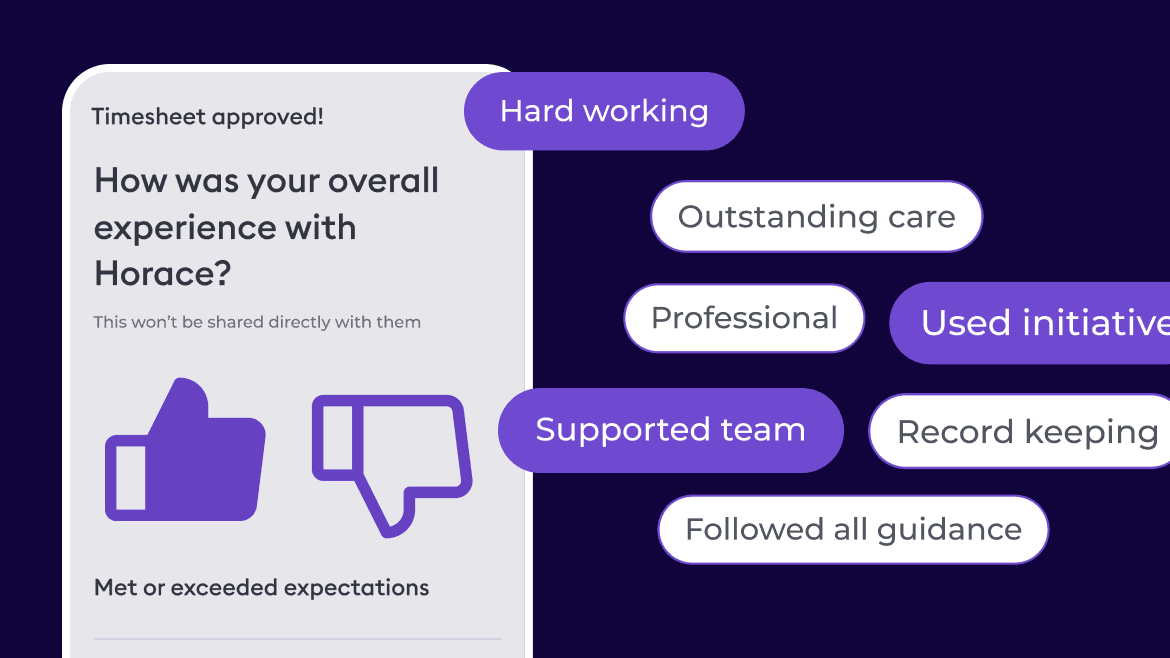
Little time-saving perks
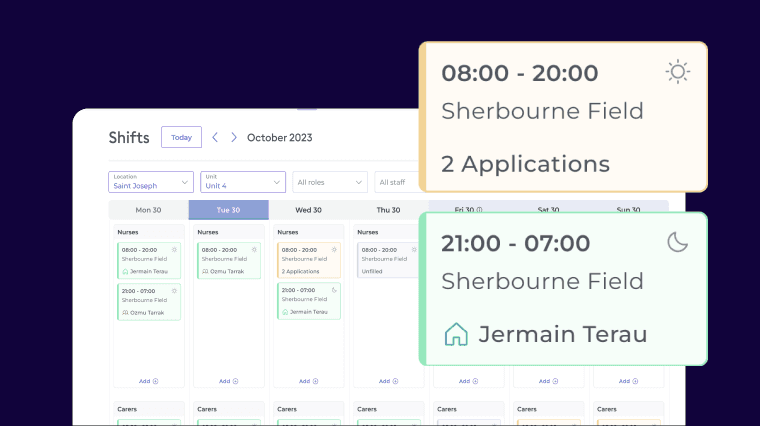
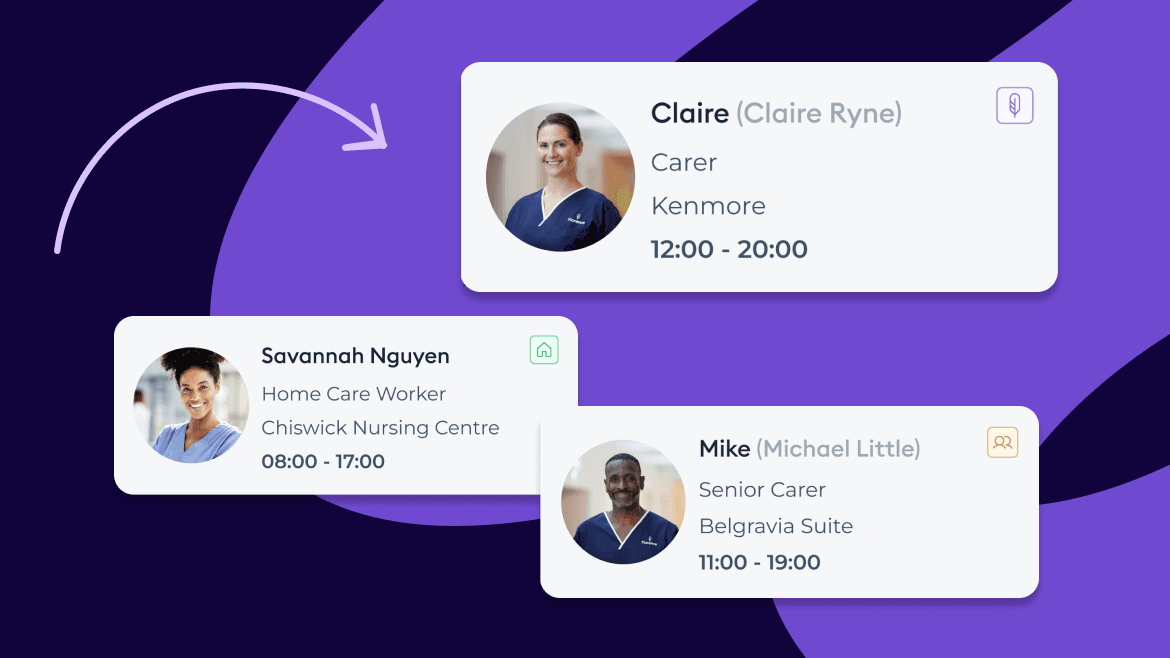
Calendar view
See shifts and their fill status on a calendar schedule.
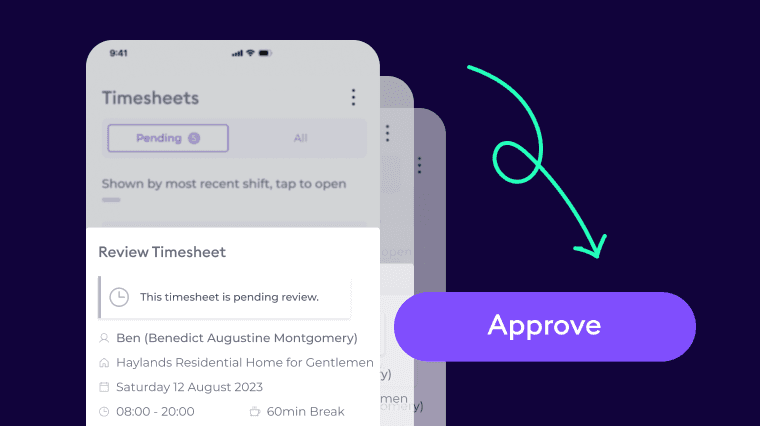
Digital timesheets
No paper, no signatures. Timesheets approved in a click.
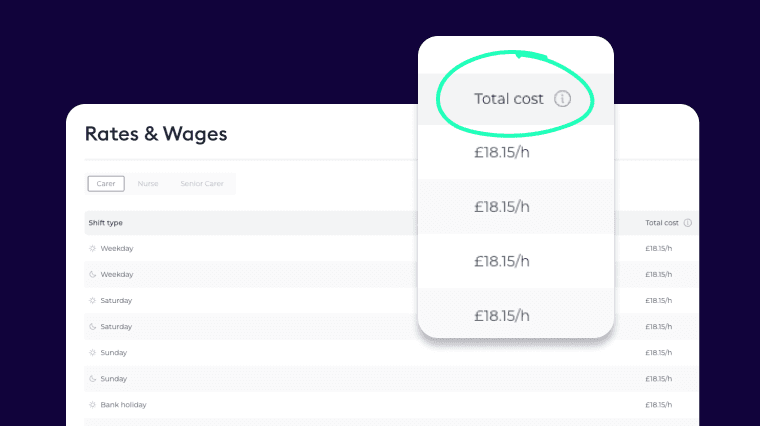
Pre-set rates
Set rates, track spend, and stay on top of your budget.

Shift fill reporting
See number of shifts filled, fill rate, and scheduled vs actual hours booked—broken down by location, staff type, and agency in your chosen date range.
Know exactly what’s happening at each location and maximise your staffing power.
watch demo
How it works: in 30 seconds
Watch the video to see how Florence works and discover our promise to you. Fill 100% of shifts, care better.