Florence
Faster approvals and payments for NHS nurses
SHARE THIS POST
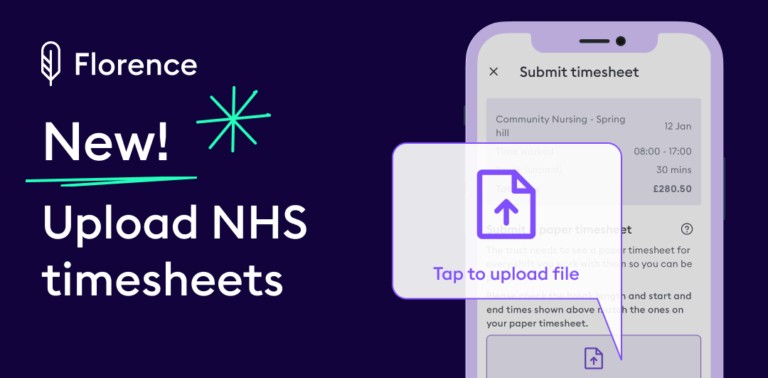
Exciting news for our NHS nurses and healthcare assistants – you can now submit your NHS timesheets directly in the Florence app.
In a few taps, you get faster timesheet approvals and faster payments – what could be better?
How it works
Here’s how you submit timesheets for NHS shifts:
– 1. Update your paper timesheet at the end of your NHS shift as normal
– 2. Snap a pic of the timesheet with your phone
– 3. Open the Florence app, tap ‘Timesheets’ and select your shift
– 4. Update the shift details on screen, making sure they match your paper timesheet details
– 5. Add the pic of your timesheet and hit ‘Send for approval’
Your timesheet will be submitted and you’ll get a notification when it’s approved, as well as when you get paid. Easy!
Submitting your NHS timesheet in the app
Not joined Florence yet? Find out more about working shifts using our app (with no agency in the middle!) here.
You also might be interested in:
– 6 tips to help make NMC revalidation simple
– Join an agency or Florence? Why we’re better for nurses & carers
Continue reading

Add your details to stay informed with the latest news and updates from Florence.