Hayley Male
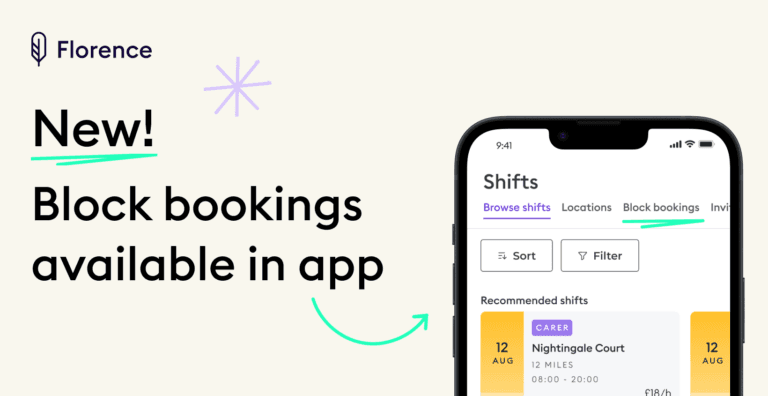
Plan your shifts ahead with block bookings in the app
SHARE THIS POST
Want to plan your time ahead by booking multiple shifts at once? Good news! We’ve made it easier with our latest app update.
Now, you can view available block bookings and register your interest directly in the app – without needing to contact an Account Manager!
Step-by-step guide:
1. Go to the “Find shifts” tab in your app.
2. Slide across to “Block Bookings”.
3. If you have a block booking available, it will be listed there.
4. You’ll also get a notification to alert you about newly available block bookings.
5. Click on a block booking to see more details about the shifts.
6. If interested, select “View dates and apply”.
7. Choose the dates you’re interested in and click “Apply”.
8. If your application is successful, you’ll receive a notification.
We might be in touch to ask a few questions before we are able to confirm the booking.
Easy as that!
You might also be interested in:
– Meet Florence star award winner, NHS nurse, Iola
Continue reading

Add your details to stay informed with the latest news and updates from Florence.